Fraudsters can copy a company name, logo, profile picture or support-agent style to make a message look convincing. The safest response is not to decide whether a message looks real, but to verify it through an official Deriv route you open yourself. This guide shows how to recognise fake support, check contact details and respond safely.
Quick summary
- A familiar name, logo or profile photo does not prove that a contact is genuine.
- Be cautious of unexpected messages, urgent instructions, suspicious links and requests to move a conversation elsewhere.
- Check the full sender address and website address, not only the display name.
- Start support conversations from the official Deriv website or app.
- Do not share passwords, PINs, one-time passcodes or other security credentials.
What fake support looks like
Fake support is an impersonation scam. Someone claims to represent Deriv and contacts you through email, social media, messaging apps, phone calls or a lookalike website. Their goal may be to collect personal details, send you to a fraudulent site, persuade you to make a payment, or pressure you to act before you verify the request.
A message can look professional and still be fraudulent. Scammers can copy branding, reuse staff names and write messages that seem specific to an account issue. Focus on the request and the channel, rather than the appearance alone.
Deriv warns that scams can misuse its name, logo and other details through fake websites, social-media profiles, emails, messages and phone calls.
Common fake-support scenarios
A scammer may claim:
- There is a problem with your deposit, withdrawal or account verification.
- Your account will be restricted unless you act immediately.
- They can recover funds, release a payment or fix a trading issue.
- You need to move the conversation to WhatsApp, Telegram or another app.
- You need to pay a fee, transfer money or install software to receive help.
Some messages may arrive after you publicly mention a payment delay or account issue. Scammers can search for these posts and contact people who are likely to need help. Keep account-specific questions in official support channels and avoid posting sensitive screenshots publicly.
Check the contact channel, not just the name
Impersonators often use names that are almost identical to an official account. A changed letter, additional word, similar character or unrelated email domain can be easy to miss at a glance.
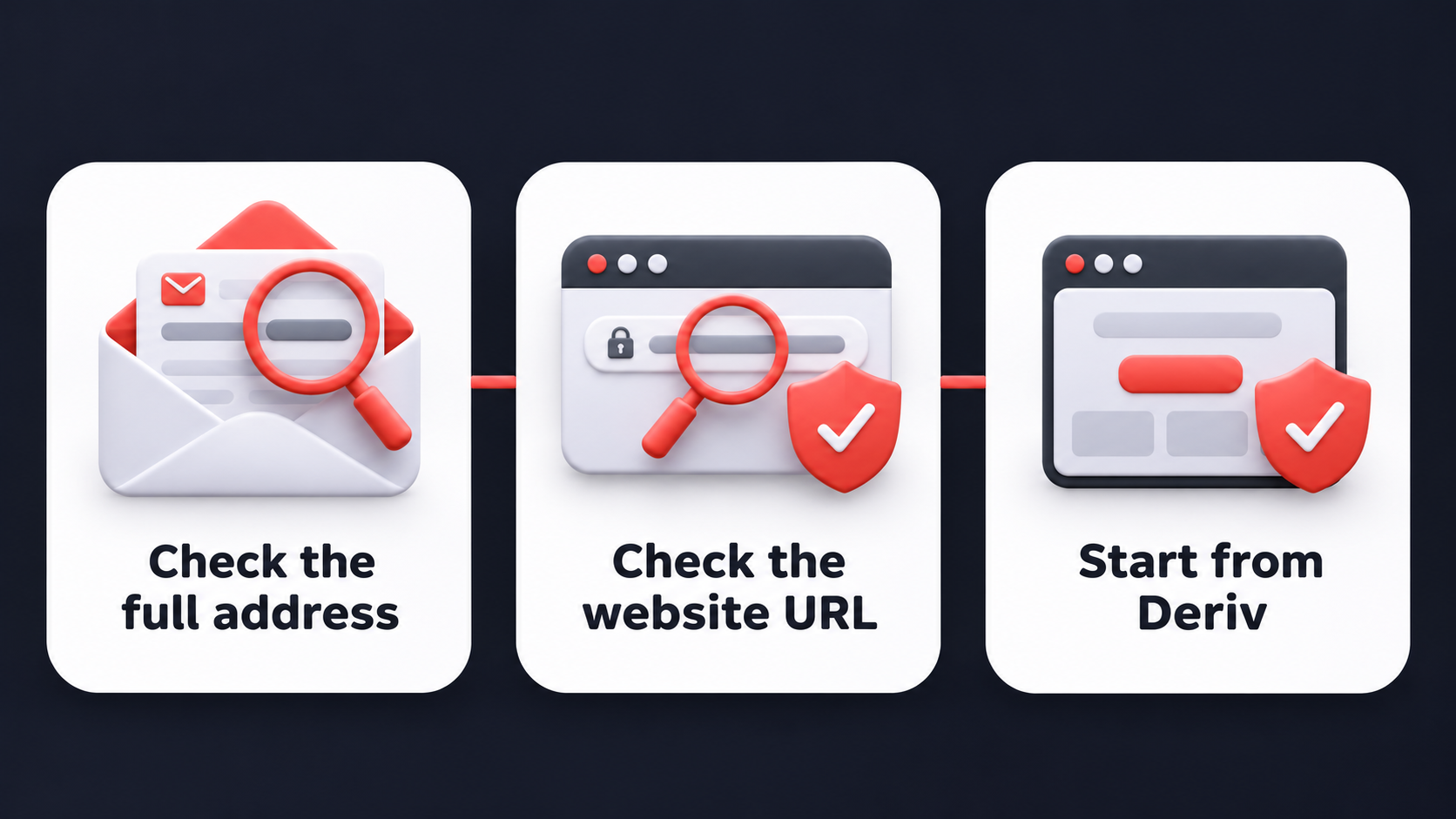
Check the complete email address
Do not rely on the sender name displayed in your inbox. Open the message details and check the complete email address and domain.
Deriv’s official guidance says emails are sent from addresses ending in deriv.com. An unfamiliar domain, misspelling or extra character should be treated as a warning sign.
Even where the sender address appears familiar, be cautious with unexpected links, attachments or requests for personal information. Open Deriv directly through your usual browser bookmark or the official app rather than using a link supplied in the message.
Check website addresses carefully
A fake website can look very similar to the real one. Before entering any account information, check the complete website address in the browser bar. Be alert for misspellings, extra words, unusual domain endings or pages reached through shortened links.
Deriv advises clients to access accounts only through official websites and apps, verify website addresses carefully, and use contact details published on the official website.
Do not trust a profile picture alone
A social-media profile can use Deriv branding, a convincing display name or copied posts. A phone caller may appear to have a familiar caller ID. These elements are easy to imitate and should not be treated as verification.
If you need help, open the official Deriv website or app first, then find the support option there.
Know the warning signs
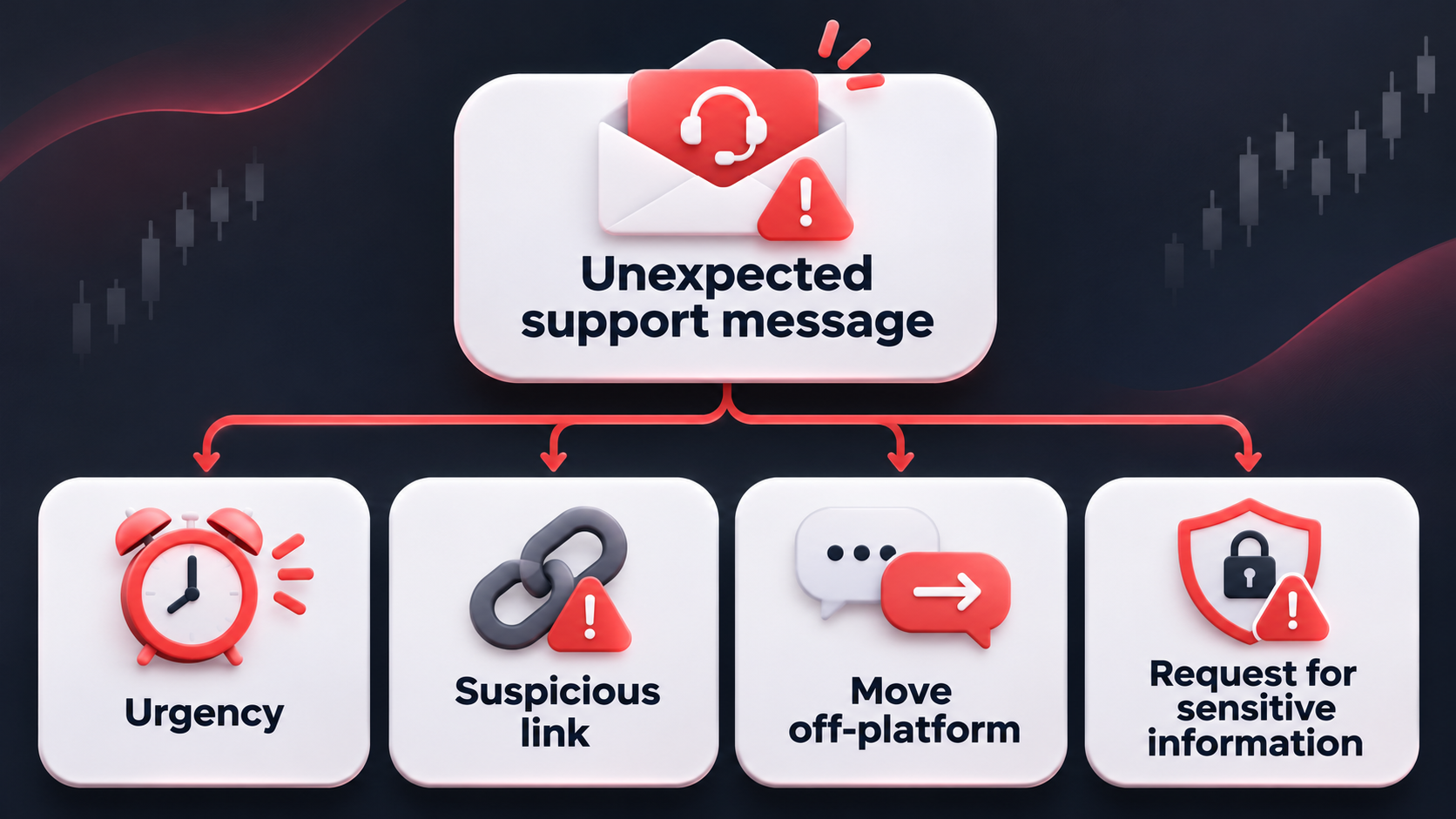
A single unusual detail may not always prove that a message is fraudulent. Several warning signs together are a strong reason to stop and verify independently.
Pressure to act now
Scammers often create urgency: “Your account will close today,” “Your funds are at risk,” or “This offer expires in minutes.” Their aim is to reduce the time you spend checking the request.
You should identify pressure, suspicious links and attachments, unknown senders, and promises of easy money as common phishing signs.
Take your time. A legitimate account concern can be checked through official support.
Requests to move off-platform
Be cautious if someone asks you to continue a support conversation in a personal WhatsApp, Telegram or social-media account. In the Deriv P2P context, Deriv will not contact clients from a personal WhatsApp, Telegram or social-media account.
Keep account support within official channels. This gives you a clear route back to verified help and makes it harder for an impersonator to control the conversation.
Requests for money or credentials
Do not make a payment, transfer funds, install remote-access software or share account credentials because someone claiming to be support asks you to. Deriv will never ask for passwords or private keys, and its risk disclosure says not to share passwords, PINs, one-time passcodes or other security credentials.
Use official Deriv support safely
The safest way to contact support is to start from the official Deriv website or app. Navigate to the Help Centre or live chat from there rather than using contact details in an unexpected message.
Deriv’s Contact us page directs clients to its Help Centre and live chat, which is available 24/7.
What to share with official support
Support may need enough information to understand an issue, such as a description of what happened, the relevant date and time, or a redacted screenshot. Before you send anything, check that it does not reveal:
- Passwords, PINs or one-time passcodes
- Authenticator-app or recovery codes
- QR codes used to set up 2FA
- Full payment-card or bank-account details
- Personal documents unless requested through a verified official process
Use a redaction tool or crop screenshots so they include only the information needed to explain the issue.
What to do if you are contacted by an impersonator
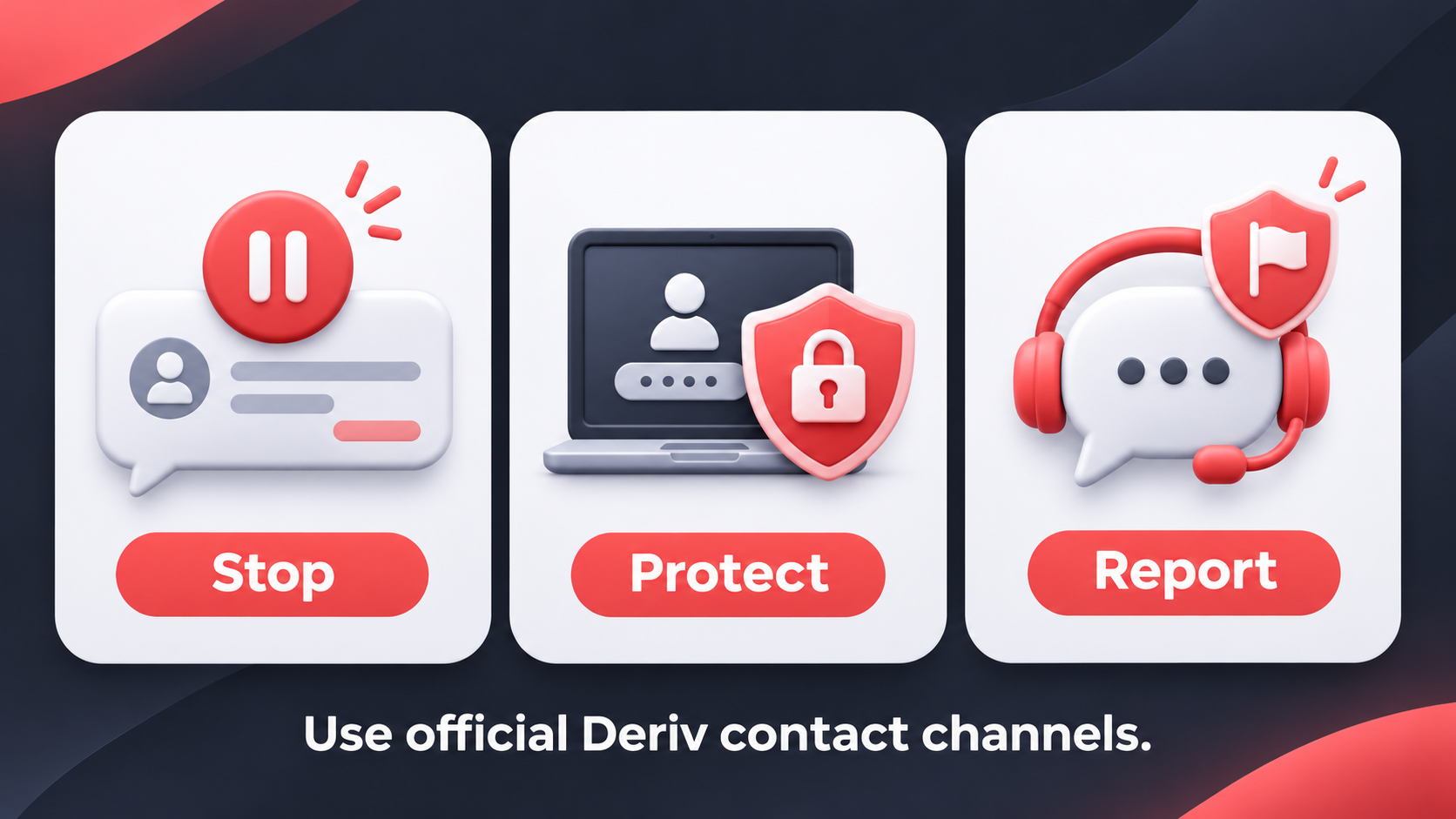
Do not argue with the person or attempt to test whether they are genuine. End the conversation and use a trusted route.
- Do not click links, open unexpected attachments or install software.
- Do not send money, credentials or account screenshots containing sensitive details.
- Take a screenshot of the suspicious profile or message if you can do so without exposing your own information.
- Block and report the account on the relevant platform.
- Open Deriv directly and contact official support through live chat or the Contact us page.
- If you shared credentials or entered them on a suspicious page, change your password promptly and review 2FA and email security.
Take the next step
Save the official Deriv website or app as your starting point for account help. If an unexpected message claims to be support, pause and use the official Help Centre or live chat to verify it before you act.
Quiz
What should you do if someone claiming to be support pressures you to act immediately?
FAQs