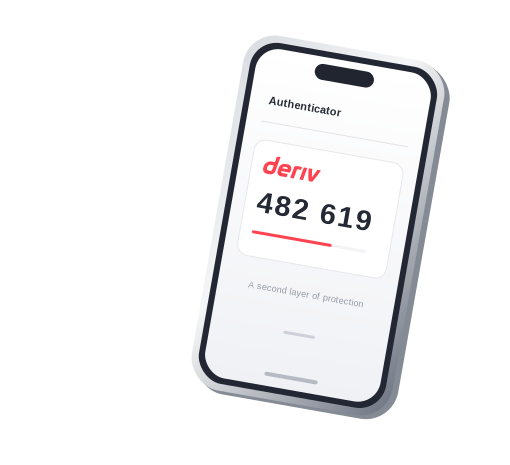

Set up two-factor authentication
Add an extra step to your login with an authenticator app.
Protect your email account
Your inbox receives password resets and security alerts. Make sure only you can get in.
Strengthen your password
Use a strong, unique password and keep it stored safely.
Recognise suspicious messages
Spot warning signs and check requests claiming to be from Deriv before you reply.
Check your account phone number
Make sure your contact details are yours and up to date.
Keep codes and screens private
Know what to do if someone asks for a code, screen access, or a payment screenshot.
Get help with payment issues
Find official support for delayed or unfamiliar payments.
Protect your crypto wallet
Check addresses and networks. Keep private keys to yourself.
Check your P2P activity
Review your orders and report unfamiliar payments.
Account security FAQs
What is two-factor authentication (2FA)?
How do I turn on 2FA for my Deriv account?
What if I can’t access my authenticator app?
What should I do if I suspect unauthorised access?
How can I check whether a message is really from Deriv?
Is it safe to share my screen or a payment screenshot to get help?