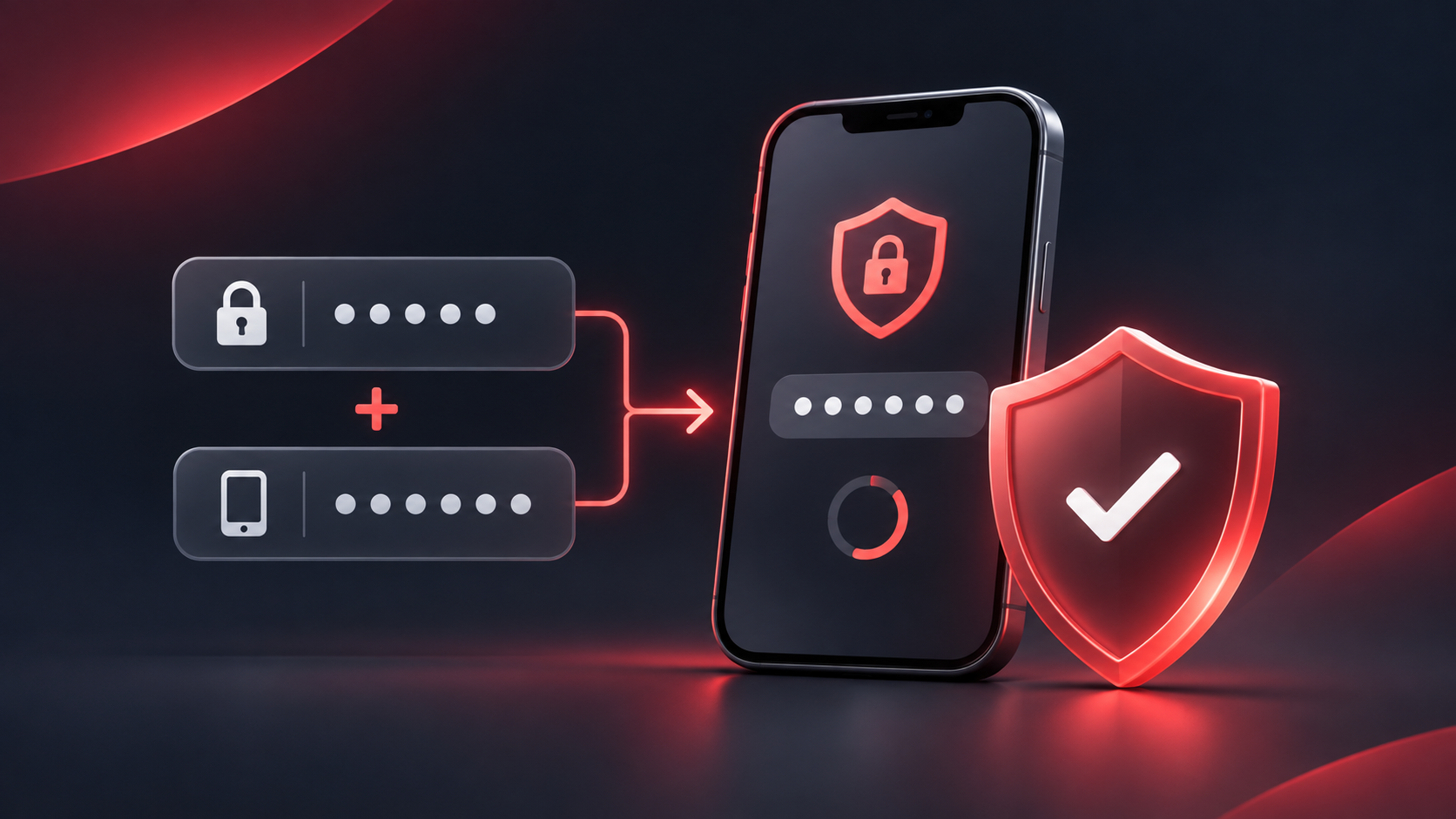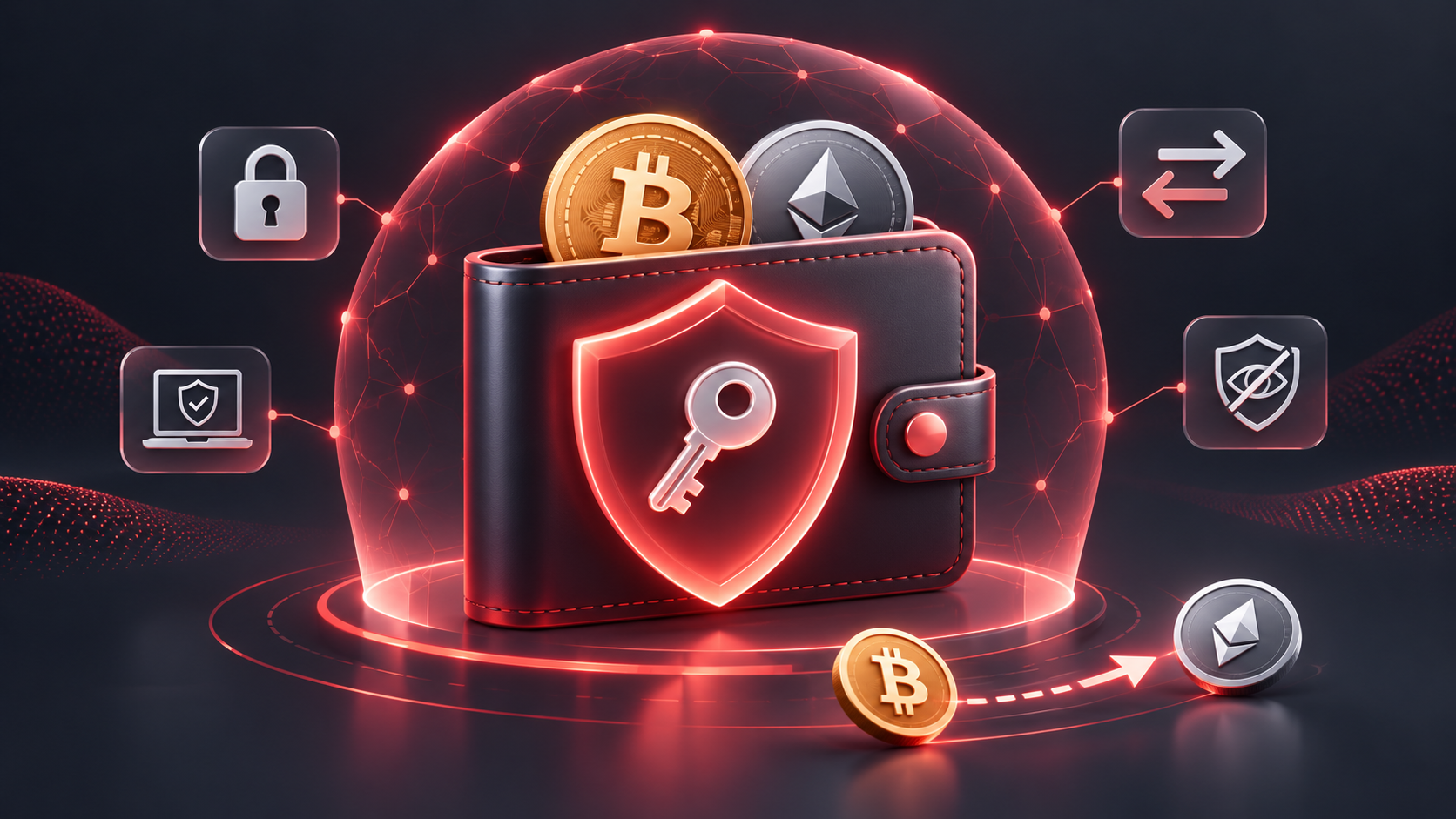
A crypto wallet can hold the keys or credentials needed to access and move digital assets. Because blockchain transfers are generally irreversible once confirmed, a careful security routine matters before you send, receive or withdraw crypto. This guide explains how to protect your wallet, check addresses and networks, and respond if you think your wallet security has been compromised.
Quick summary
- Keep your wallet’s private key and recovery phrase private at all times.
- Use a strong, unique password and 2FA for accounts connected to your crypto activity.
- Check the asset, wallet address and network before every transfer.
- Start crypto deposits and withdrawals from the official Deriv website or app.
- Treat unexpected requests for recovery phrases, codes or remote access as a security warning.
Understand what protects a crypto wallet
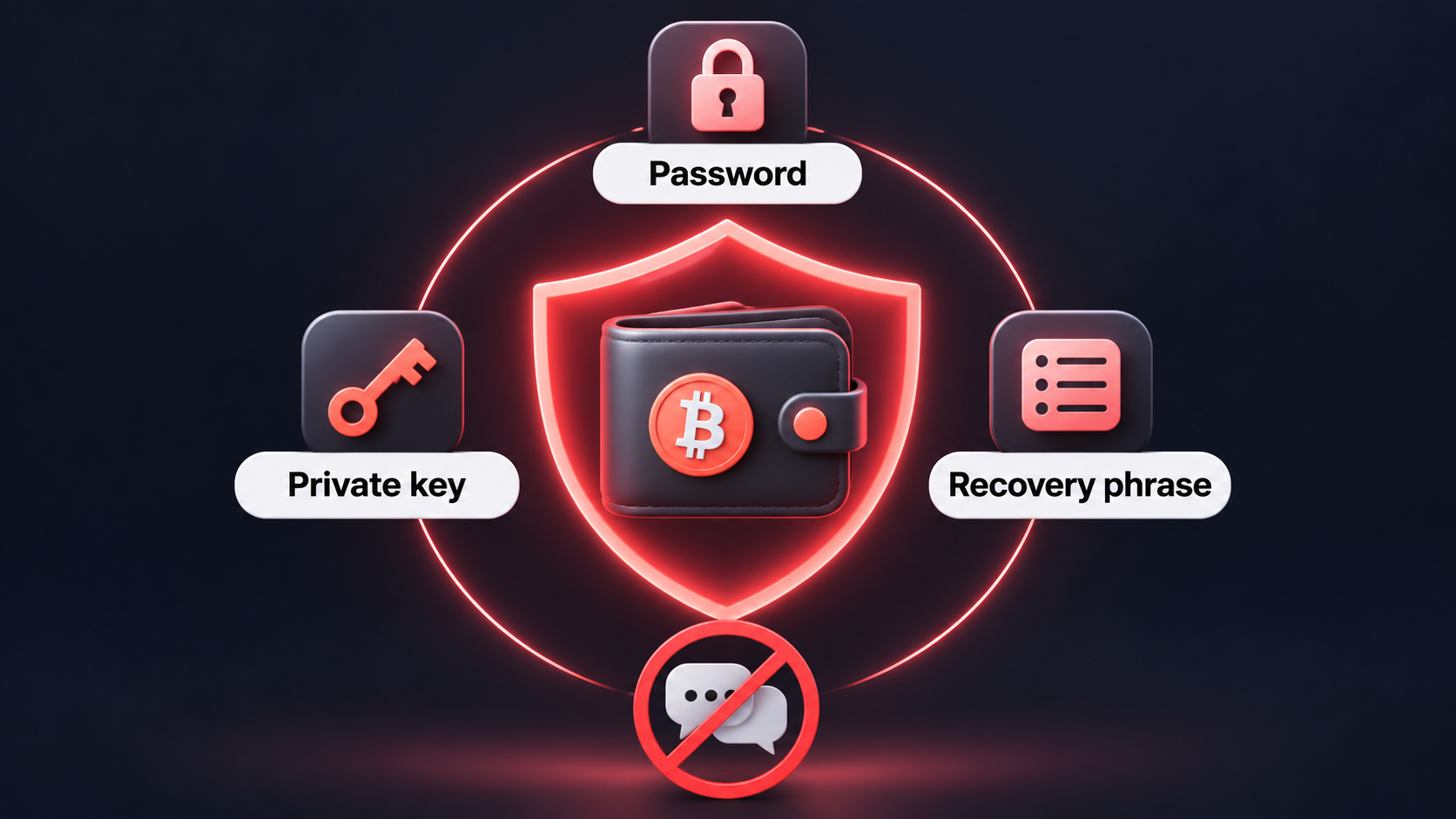
A crypto wallet may be an app, browser extension, hardware device or service that helps you interact with blockchain assets. The security details that control the wallet can vary, but they commonly include a password, private key or recovery phrase.
A private key is a secret credential that can authorise transactions. A recovery phrase—sometimes called a seed phrase—is a list of words that can restore access to a wallet. Anyone who has either may be able to control the assets in that wallet.
Remember that Deriv will never ask for your password or private key. We’ll also never request you to share recovery phrases, passwords or one-time codes.
Treat recovery phrases like the wallet itself
Do not share a recovery phrase with anyone. Do not store it in an email draft, chat message, cloud document, social-media post or screenshot. Avoid entering it into a website reached through an unexpected link.
Store it in a secure place that you can access if you lose your device, but that other people cannot access. If you use a physical backup, protect it from loss, damage and unauthorised access. If you choose a digital storage method, make sure it has strong access controls and understand the additional risks involved.
Protect the device and account around your wallet
Wallet security is not only about the wallet itself. A compromised phone, computer, email account or browser can expose wallet access or trick you into approving an unwanted action.
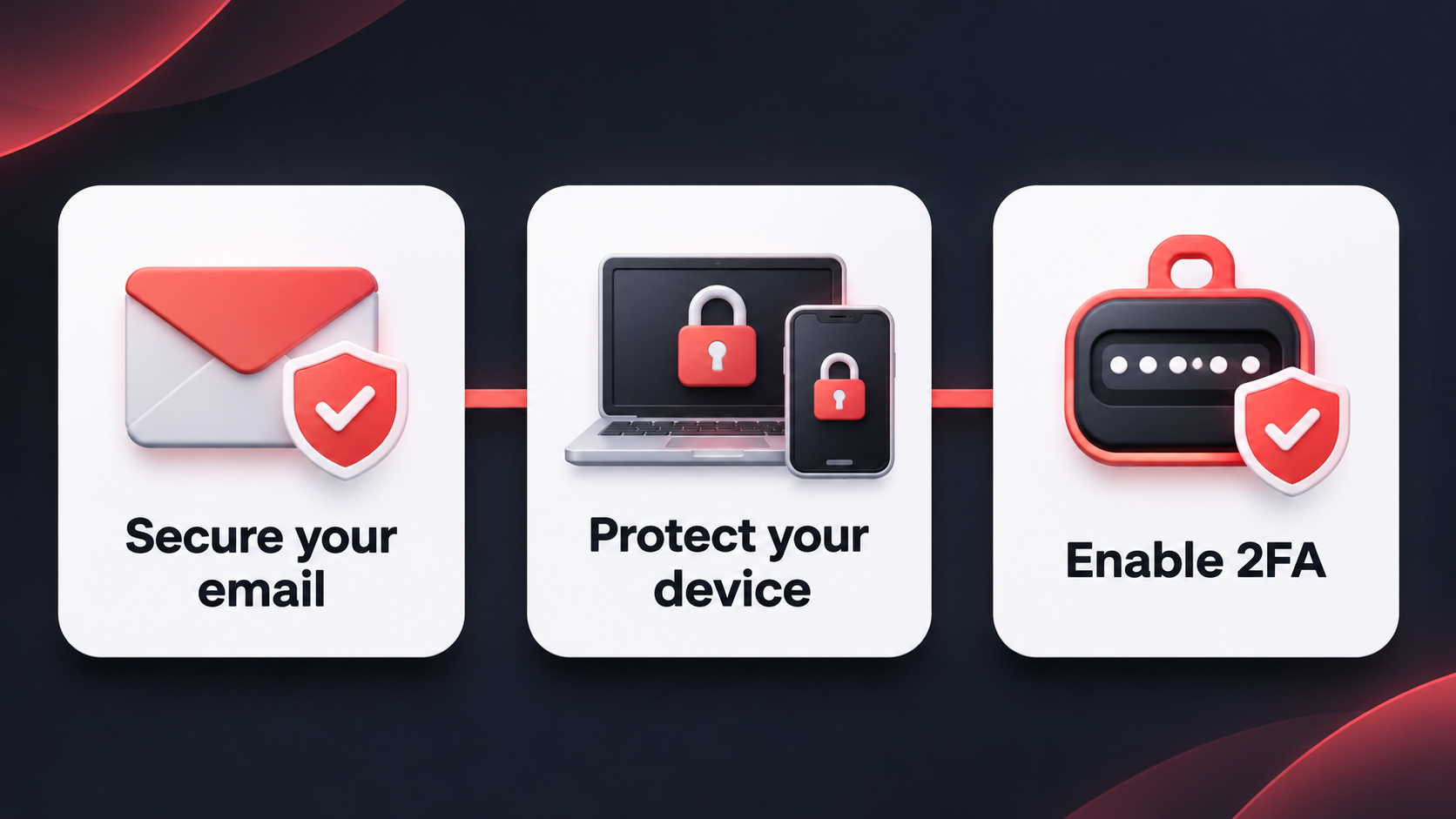
Secure your email and device
Use a strong, unique password for the email account linked to crypto services, then enable 2FA where available. Keep your phone, browser, operating system and wallet app updated. Use a screen lock on devices that can access your wallet.
Avoid installing wallet apps, browser extensions or security tools from links in direct messages, adverts or unexpected emails. Go to the official provider website or approved app store yourself.
Use 2FA where it is offered
2FA adds another verification step after your password. It can help reduce the risk that a stolen password alone is enough to access an account. Protect the authenticator app and its recovery information with the same care as the account itself.
We encourage you to use available security features, including 2FA and strong, unique passwords.
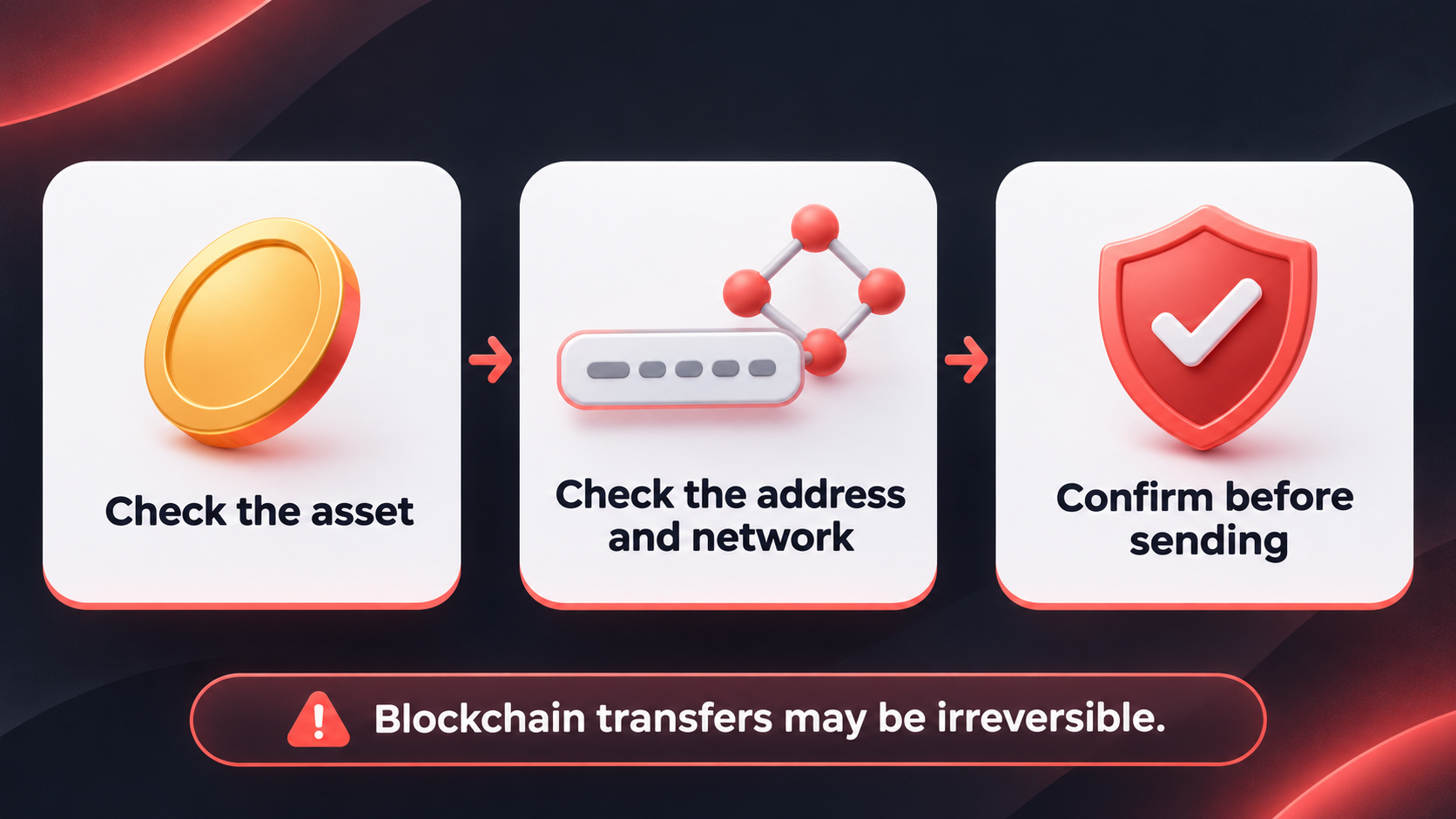
Check the asset, address and network before every transfer
Crypto transfers are not like ordinary card payments. Once a blockchain transaction is confirmed, it generally cannot be cancelled, reversed or recovered. Check every transfer carefully before you approve it.
Confirm the wallet address
Copy the destination address from the intended recipient or wallet, then compare it carefully before sending. Check the beginning and end of the address at minimum, and use the full address where practical.
Be cautious of copied addresses from chat messages or browser pages. Malicious software can sometimes alter copied information. If you are sending to a new external wallet, consider making a small test transfer only if it is appropriate for your circumstances and network fees.
Match the correct network
The asset and network must match at both ends of the transfer. Deriv’s crypto-deposit guidance suggests ensuring that the network matches the sending wallet, because sending through the wrong network can result in permanent loss.
Before sending, check:
- The asset you are sending
- The receiving wallet address
- The selected blockchain network
- Any required destination tag, memo or reference field
- The displayed minimum amount and fees, where applicable
Do not assume that similar asset names use the same network or address format.
Use official Deriv routes for crypto activity
Open the official Deriv website or app yourself before starting a crypto deposit or withdrawal. Avoid links in unexpected messages, sponsored search results or lookalike websites.
When depositing crypto to Deriv, use the unique deposit address shown in your cashier, confirm the correct asset and network, and follow the on-screen requirements. It is important to note that crypto deposits are credited after sufficient blockchain confirmations, which may take some time.
For virtual-asset withdrawals, it is important to remember that you are responsible for ensuring the external wallet address is correct and compatible with the relevant network.
Recognise wallet-security warning signs
Stop and verify independently if someone asks you to:
- Share a recovery phrase, private key, password or one-time code
- Install software or a browser extension through an unverified link
- Give remote access to your device
- Send crypto to “verify,” “unlock,” “recover” or “protect” a wallet
- Act immediately because of an urgent warning or guaranteed return
No legitimate support process needs your recovery phrase or private key. Treat any request for either as an attempt to gain control of the wallet.
What to do if you suspect wallet compromise
Act promptly, but do not follow instructions from a person who contacted you unexpectedly.
- Stop entering information or approving transactions.
- Use a trusted device and official website or app to review account activity.
- Change affected passwords, beginning with the email account linked to the wallet or exchange.
- Review 2FA, recovery methods and signed-in devices.
- Contact the wallet provider or relevant official support channel through its verified website or app.
- Contact Deriv through official support if your Deriv account or a Deriv-related transfer may be affected.
- Do not share your recovery phrase, private key or codes while seeking help.
Take the next step
Review where your recovery phrase is stored, make sure the email and devices connected to your crypto activity are protected, and enable 2FA where available. Before your next transfer, pause to check the asset, wallet address and network.
Crypto assets and blockchain transfers carry significant risk. Transactions may be irreversible, values can change rapidly and protections vary by jurisdiction and provider. This guide is for education only and is not financial, legal or investment advice.
Quiz
What should you check before sending crypto to a wallet?
FAQs