A delayed deposit, withdrawal or transfer can be stressful, but a clear record and the right support route make it easier to investigate. This guide explains what to check first, what information to prepare and how to get help from Deriv without exposing your account or payment details publicly.
Quick summary
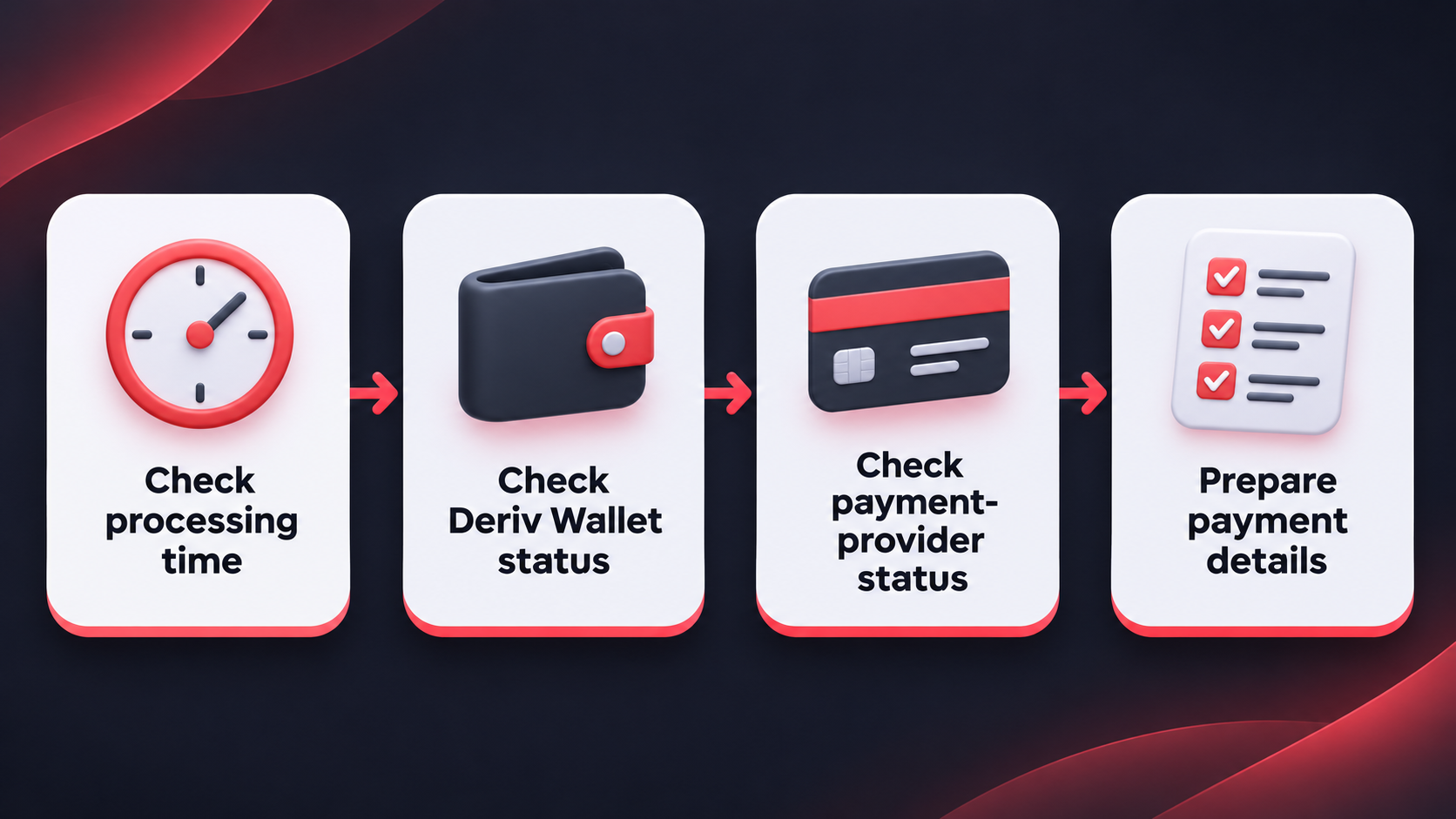
- Check the payment method’s published processing time before reporting a delay.
- Confirm the payment status in your Deriv Wallet and with your payment provider.
- Record the date, time, amount, payment method and transaction reference.
- Use official Deriv support channels—never an unexpected message or private account.
- Keep passwords, codes and full payment details private; share evidence only through a verified support route.
Start by checking the payment status
Not every payment method follows the same timeline. Processing times, availability, currencies and limits depend on the method selected and, in some cases, your location. Check the current payment-method information on our website before assuming a payment has failed.
For withdrawals, the time it takes for funds to arrive can also depend on the bank, payment provider or blockchain network involved. Sometimes delays can occur because of technical or other unforeseen circumstances, and some transactions may need additional processing time.
Check both sides of the payment
For a deposit, check whether funds have left your bank, card, e-wallet or wallet provider, then compare this with the status shown in your Deriv Wallet.
For a withdrawal, check that the withdrawal request appears in your Deriv account, then review the processing status and the receiving payment method. Avoid making a second request simply because the first one is still processing; duplicate actions can make the situation harder to follow.
Record the essentials
Before contacting support, note:
- The payment type: deposit, withdrawal or transfer
- The date and approximate time
- The amount and currency
- The payment method used
- The transaction or reference number, if available
- The status or error message shown
- What you expected to happen and what happened instead
These details help our support team identify the right transaction without needing a long public explanation.
Gather the right evidence safely
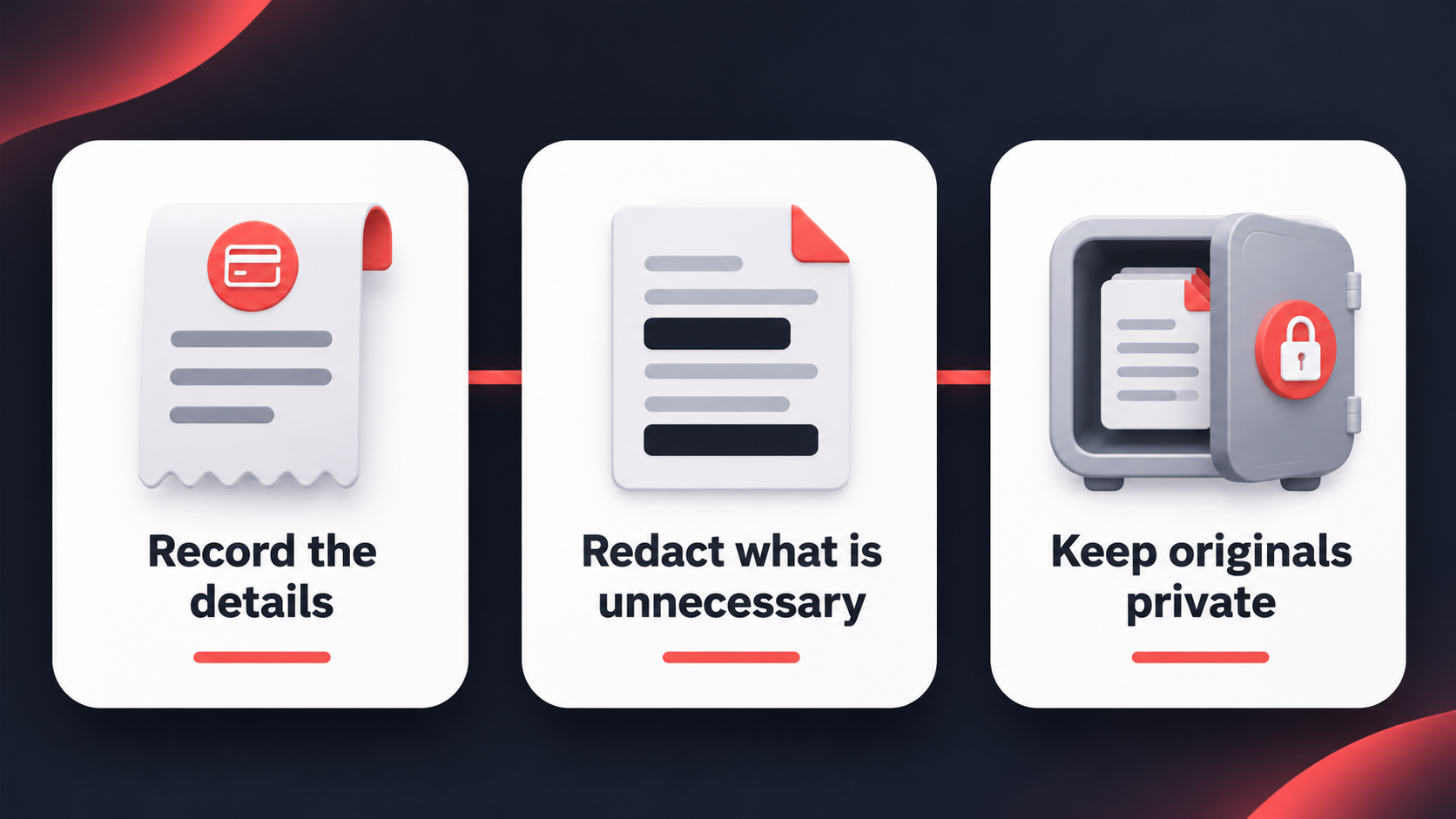
A clear screenshot or proof of payment can help support investigate, but only if it shows the relevant information. Keep the original evidence private and share it only through official Deriv support.
For a formal complaint, Deriv’s Complaints Policy asks for a clear description, relevant dates and times, specific transactions and supporting documentation where applicable.
What support may need
Depending on the payment issue, support may need details such as:
- The transaction reference or ID
- The date, time, amount and currency
- The payment method used
- A relevant payment receipt or status screen
- A clear description of the error or delay
For example, an uncredited deposit may require proof from the payment provider that shows the sender, recipient, amount, date and transaction reference. Only provide this through a verified support process.
What never to include
Do not share:
- Passwords, PINs or one-time passcodes
- Authenticator-app or recovery codes
- QR codes for 2FA setup
- Full card numbers, CVV values or online-banking login details
- A screenshot containing unrelated balances, browser tabs or device notifications
- Sensitive payment evidence in a public post or unsolicited direct message
If a screenshot contains unnecessary private information, crop or permanently redact it before sharing. Keep the original in a secure location in case official support asks for clarification.
Contact Deriv through an official route
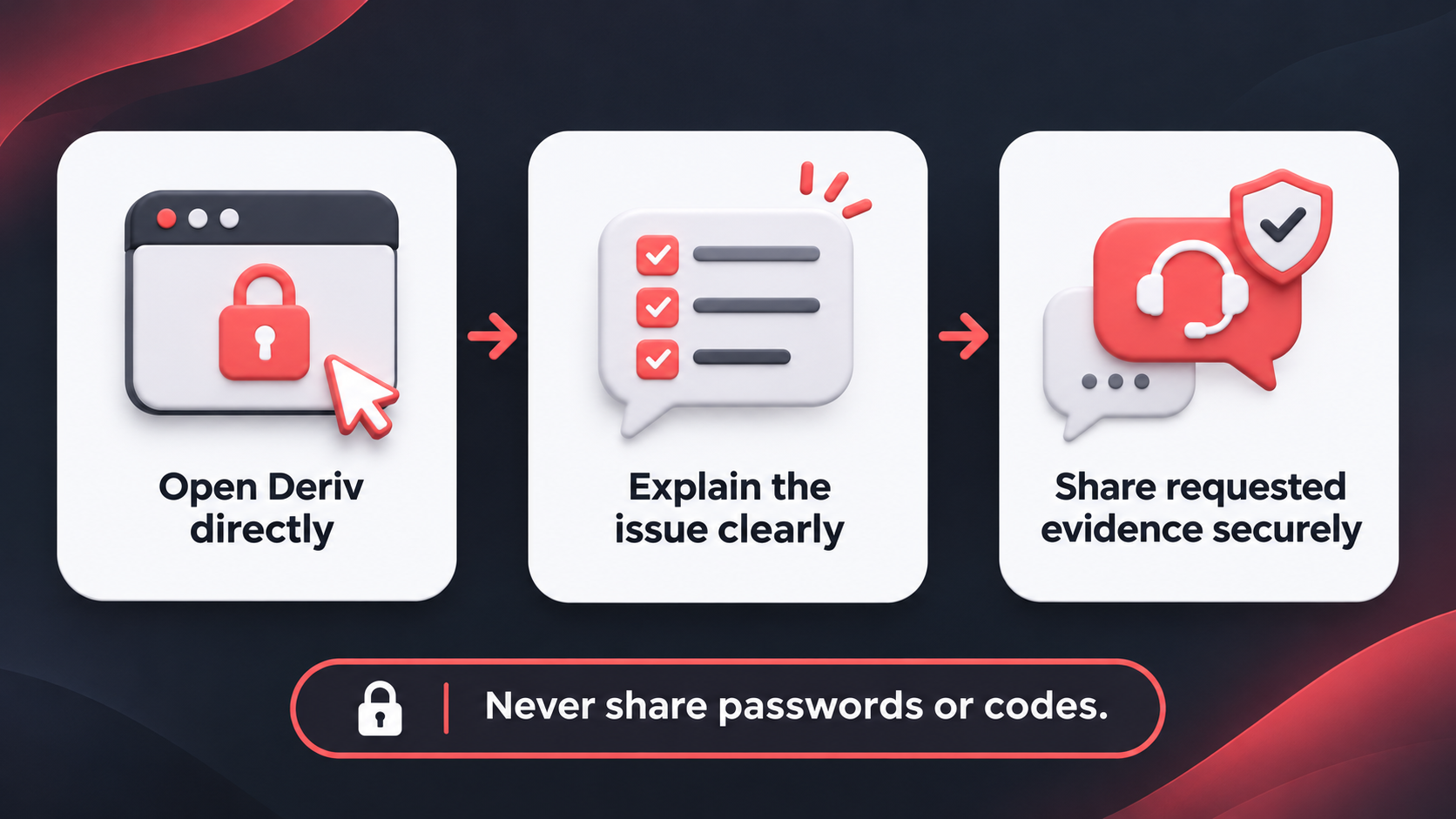
Start support from the official Deriv website or app. The Contact us page provides access to the Help Centre and 24/7 live chat.
Opening the support route yourself reduces the risk of following an impersonator’s link or sharing information in the wrong place.
Keep payment conversations on the official channel
Do not move a payment conversation to a personal WhatsApp, Telegram or social-media account because someone promises faster help. In the Deriv P2P context, Deriv states that official support is available through live chat on deriv.com and the contact options on the Contact us page.
If someone contacts you unexpectedly about a payment issue, do not click their links, send funds or share credentials. Instead, open Deriv directly and start a new support conversation.
When to make a formal complaint
Live chat is a useful first route for general payment questions and delays. If the matter is unresolved or you want to make a formal complaint, Deriv’s Complaints Policy provides the current process and the email address for submitting the required details and evidence.
A simple support message template
A short, factual message helps support understand the issue quickly:
I need help with a [deposit/withdrawal/transfer].
Payment method: [method]
Date and time: [date and time]
Amount and currency: [amount and currency]
Transaction reference: [reference, if available]
Current status: [status or error message]
Expected result: [what you expected]
Only add screenshots or proof of payment through the official channel and only when requested. Check each attachment before sending it.
If a payment issue leads to a suspicious message
A delay can make an offer of quick help feel tempting. Treat unexpected messages as unverified, especially when they ask you to pay a fee, provide a code, install an app or continue the conversation elsewhere.
Deriv’s security guidance warns against urgent requests, suspicious links and unknown senders, and recommends contacting support through official channels when in doubt.
Take the next step
If you have a payment issue, start with the current payment-method information, then collect the relevant details and contact Deriv through the official website or app. Keep evidence focused, private and secure.
Trading carries risk. Payment processing times and availability can vary by payment method, location and third-party provider. Account-security measures can help reduce unauthorised-access risk, but they do not remove market risk or guarantee that losses will not occur.
Quiz
What should you do first when a payment appears delayed?
FAQs